Product Feature Design
• Learning Pool •
Designing Enterprise Learning Features That Scale
Learning Pool is a learning technology company serving over 26 million learners across 1000+ organisations, including Marks & Spencer, Coca‑Cola, YUM! Brands, the FA, and Villeroy & Boch.
I worked on the design of core product features and frameworks used across this ecosystem. The challenge was creating experiences that could scale across diverse enterprise clients whilst supporting specific operational needs for different industries, regions, and user types.
The Challenge
Features had to work for clients with 100 users and clients with 100,000+ users, across different industries, languages, and regulatory requirements
Designing within an existing platform architecture meant balancing ideal UX with what could realistically be built and maintained.
Every feature decision needed to balance user needs, commercial priorities, technical feasibility, and client-specific requirements.
My role & Impact
As a lead designer, I balanced innovation with technical reality—designing within an established ecosystem whilst pushing boundaries where it mattered. I worked across learner, admin, and reporting experiences, helping to set higher standards for UX practice inside a fast-moving product organisation.
Alongside a code-focused design team, I introduced more structured UX processes: generative research where possible, clearer modelling of user journeys, rapid prototyping, and validation testing. This helped move the team from "designing screens" to designing end-to-end experiences that connected user needs, business goals, and technical constraints.
Key Projects & Contributions
Led a year-long initiative to redesign the event management system, creating a scalable framework for thousands of users across enterprise clients. Unified fragmented workflows into a coherent experience.
Redesigned how assessments are created, delivered, retaken, and reported. Brought assessments into the core platform so they felt like a single, joined-up experience for learners and administrators.
Simplified information architecture and core workflows, reducing navigation complexity and improving task completion for enterprise administrators managing thousands of learners.
Streamlined the learner experience across course discovery, enrolment, and progress tracking. Reduced friction in core learning pathways used by millions of users.
Designed reporting interfaces that made complex learning data accessible to non-technical stakeholders. Enabled better decision-making for L&D teams across enterprise clients.
Reworked commenting and discussion experiences to make participation easier and more visible, contributing to increased learner engagement across the platform.
How I Work: Agile in Practice
Working in an enterprise B2B environment meant constantly balancing three forces:
What Users Need
What an effective, intuitive experience should feel like for learners, administrators, and managers using the platform daily.
What Product Wants
Commercial priorities, roadmap commitments, and strategic alignment with business objectives.
What Tech Can Deliver
Constraints of an existing platform, architecture, and engineering capacity within sprint cycles.
My role was to make these trade-offs explicit, using journeys, flows, and rapid prototypes to surface tensions early and support better product decisions. Rather than focusing on isolated screens, I prioritised end-to-end workflows, ensuring features worked coherently across roles, permissions, and use cases.
Deep Dive: Events Feature
The Events feature illustrates how this approach played out in practice.
From Scattered Tools to Unified Flow
Event management lived across multiple tools and screens. Teams had to jump between systems to set up, promote, and track learning events. This fragmentation made it hard to keep events consistent across regions and increased the risk of errors and duplication.
Defined a unified event workflow and clearer information architecture that brought creation, enrolment, and tracking into one coherent experience, giving the product a scalable foundation for future event features.
Balancing Act
I worked closely with product and engineering to:
- Map key admin and learner journeys across the existing system
- Identify where fragmentation caused duplication or errors
- Prototype alternative workflows that aligned with technical constraints
- Iterate designs with internal teams and client-facing stakeholders to ensure they reflected real operational needs
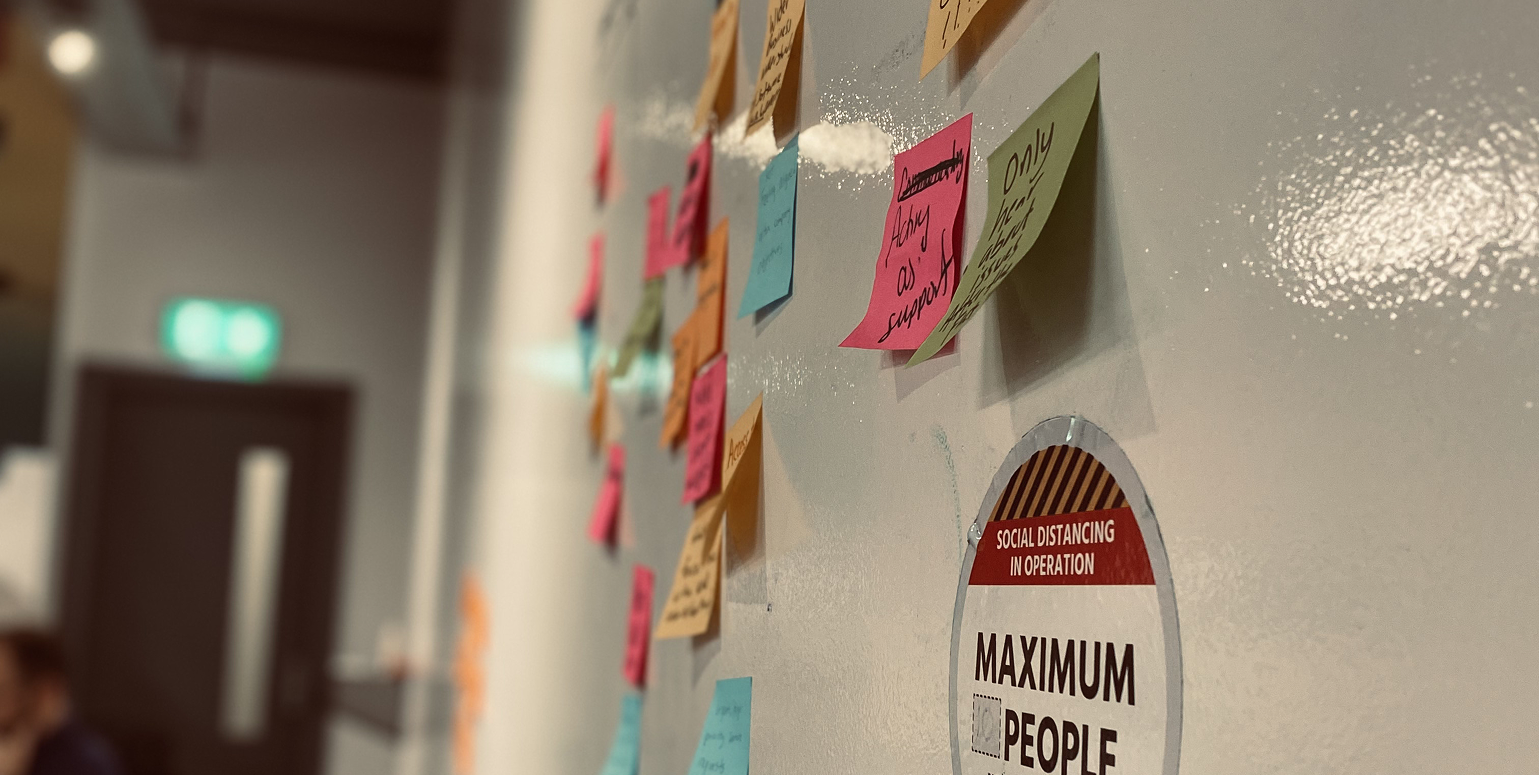
On every feature—Events, Assessments, analytics, and beyond—I used journeys, flows, and quick prototypes to bring tensions into the open early. This helped teams make conscious trade‑offs and avoid shipping experiences that looked good in isolation but broke down in the wider ecosystem.
Reflection
Working on cross‑cutting features like Events and Assessments highlighted how much impact UX can have when it's embedded in core product decision‑making, not just brought in at the end to "skin" a solution. The most meaningful progress happened when design, product, engineering, and customer teams were looking at the same journeys and the same evidence.
Thinking in Systems
This work reinforced the importance of thinking in systems. Designing a better screen was rarely enough; the real value came from understanding where that screen sat in the wider workflow, what came before it, what followed, and how it would behave under real‑world pressure from enterprise clients.
Nudging Towards User-Centricity
Even within the constraints of an existing platform and limited access to end users, it was possible to nudge the organisation towards more evidence‑led, user‑centred ways of working—one feature, one project, and one conversation at a time.